
Image To SVG
Easily turn any picture into a clean, scalable SVG file using our AI Image To SVG tool. Upload your PNG, JPG, or WEBP images, and it will instantly create editable vector paths with accurate colors. Enjoy fast, high-quality vectorization.
What is the Image To SVG?
Our online Image To SVG tool uses AI to turn your pictures into high-quality vector graphics. Just upload a photo, logo, or drawing, and the system will create clean, scalable SVG paths with accurate colors. It is perfect for making designs that look great at any size.
Smart AI Vectorization
Our Image To SVG tool understands shapes and edges to create clean curves. This gives you a much better result than basic pixel tracing.
Supports Many Formats
You can upload PNG, JPG, or WEBP files. The Image To SVG system detects your file type automatically and converts it easily.
Fast and Scalable
Get your vector file in seconds. The final SVG can be resized from a tiny icon to a huge billboard without losing quality.
Full Color Preservation
Keep the original colors of your picture. The AI carefully maps color areas to create a beautiful, multi-color vector file.
Best Uses for Image To SVG
Our Image To SVG AI vectorizer is the perfect tool for designers, businesses, and creators. Explore who can benefit the most:
For designers and creators
Turn your drawings, logos, and icons into scalable vector graphics easily. Perfect for professional design work.
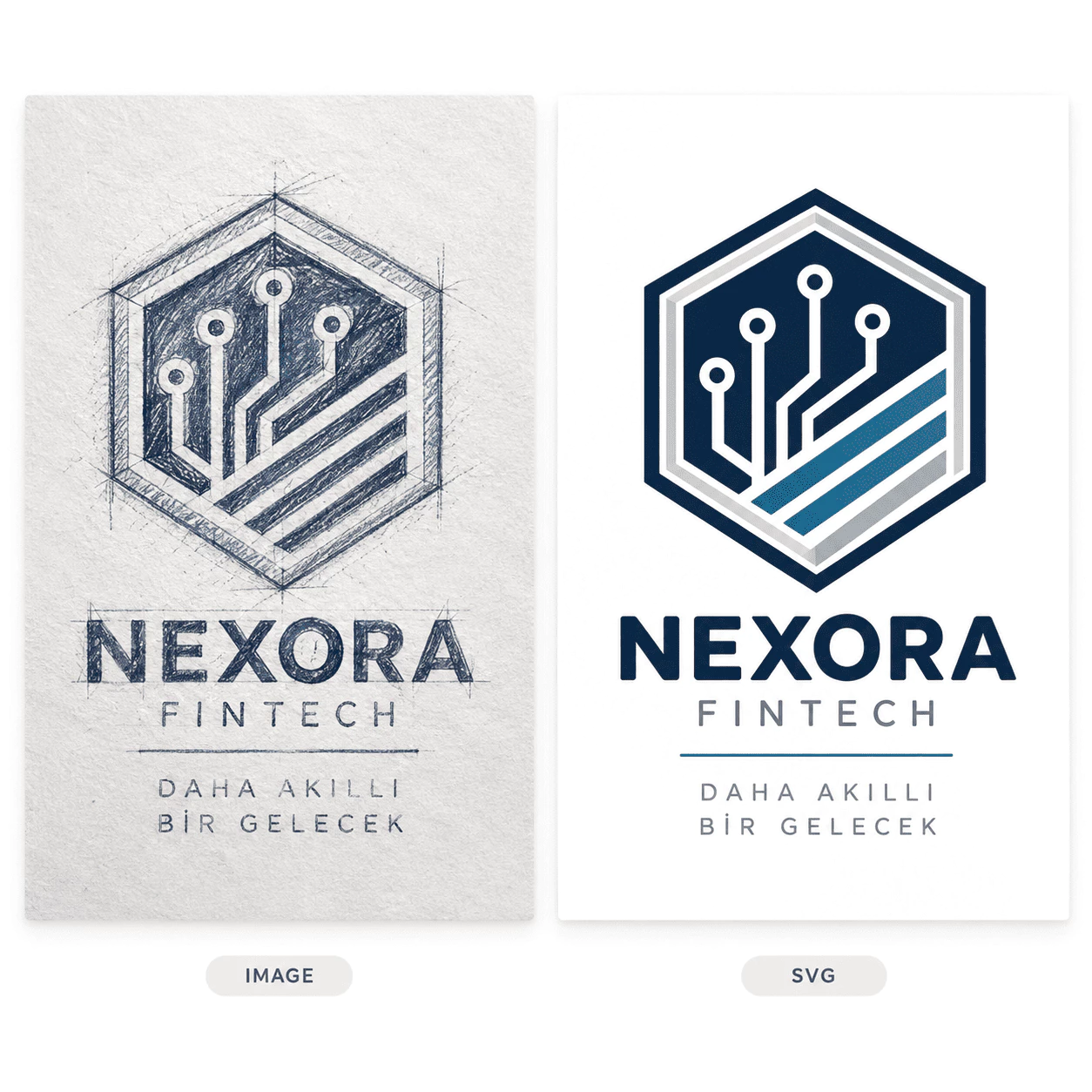
- Logos:Use Image To SVG to convert any logo for brand assets that look sharp on business cards or huge billboards.
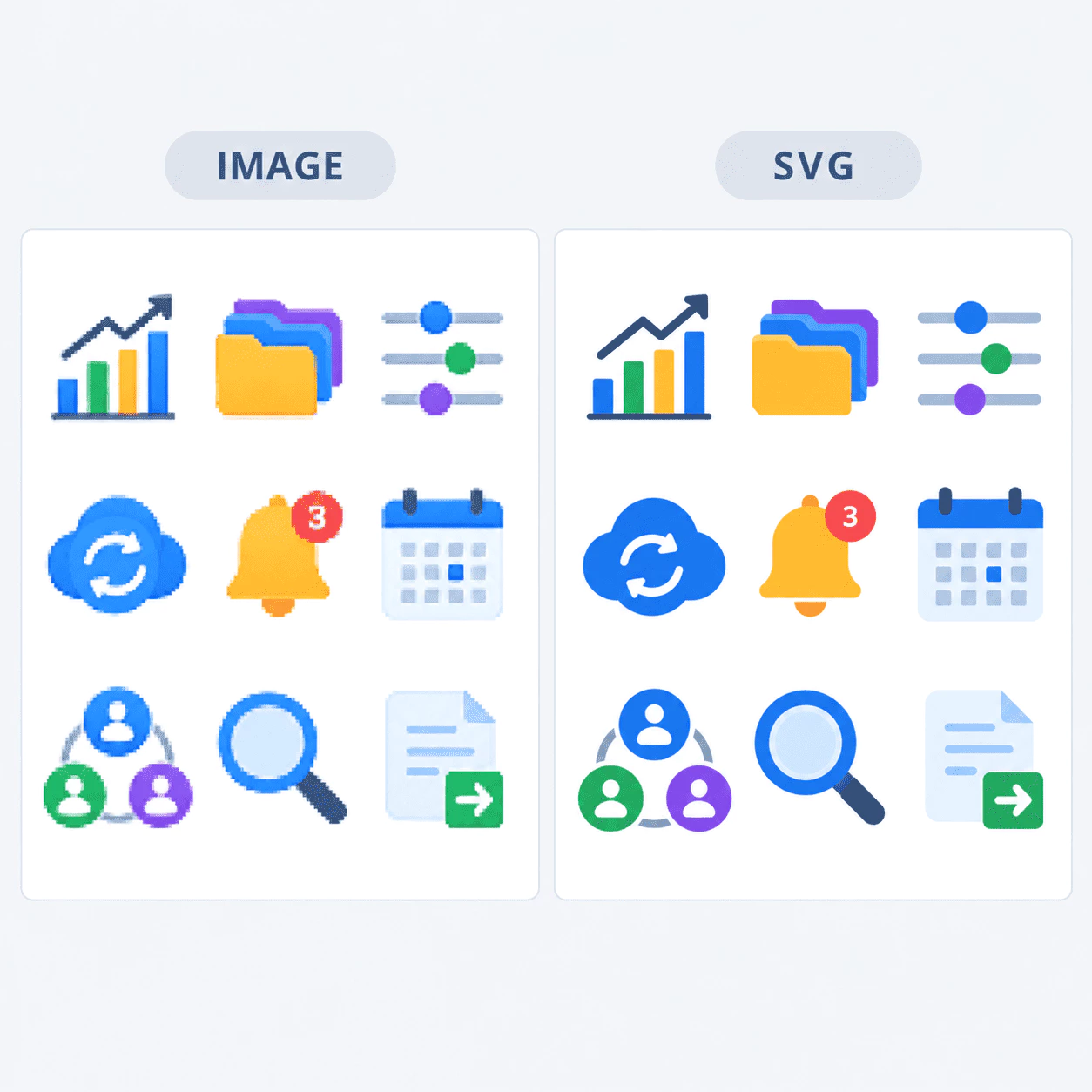
- Icons and UI:Create high-quality icons with Image To SVG that stay crisp and clear on any screen size.
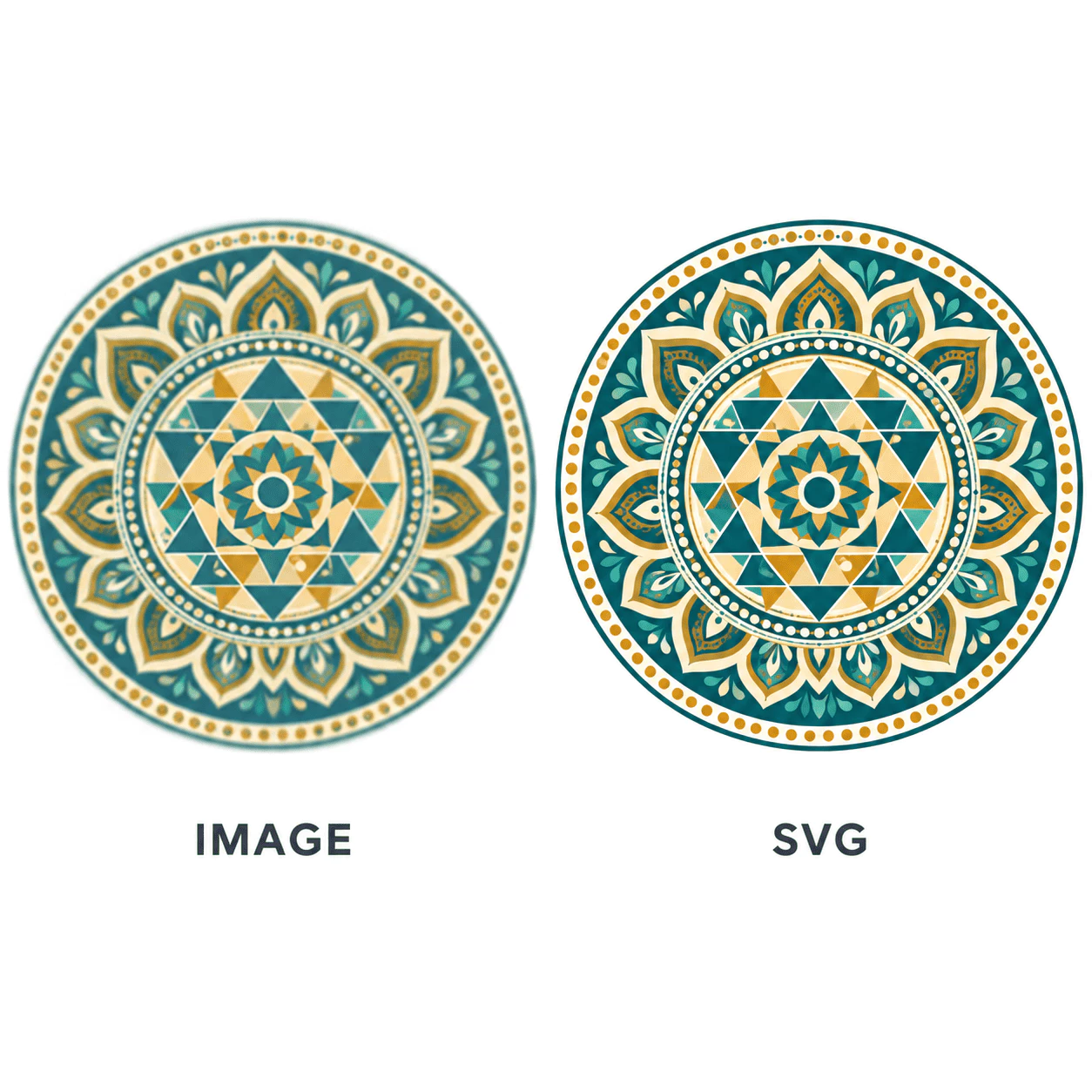
- Illustrations:Vectorize your digital art or drawings so you can edit them in tools like Illustrator or Figma.
For print and merchandise
Get clean vector files ready for printing on products, cutting machines, or embroidery.
- T-shirts and print:Upload your design to Image To SVG and get a clean vector that scales to any product size without looking blurry.
- Cutting machines:Use Image To SVG to convert images for Cricut and Silhouette machines that need clean paths to cut.
- Sticker production:Get the perfect vector outlines needed for clean edges when printing and cutting stickers.
For photos and complex images
Turn regular photos into stylized vector art or process heavily compressed images with ease.
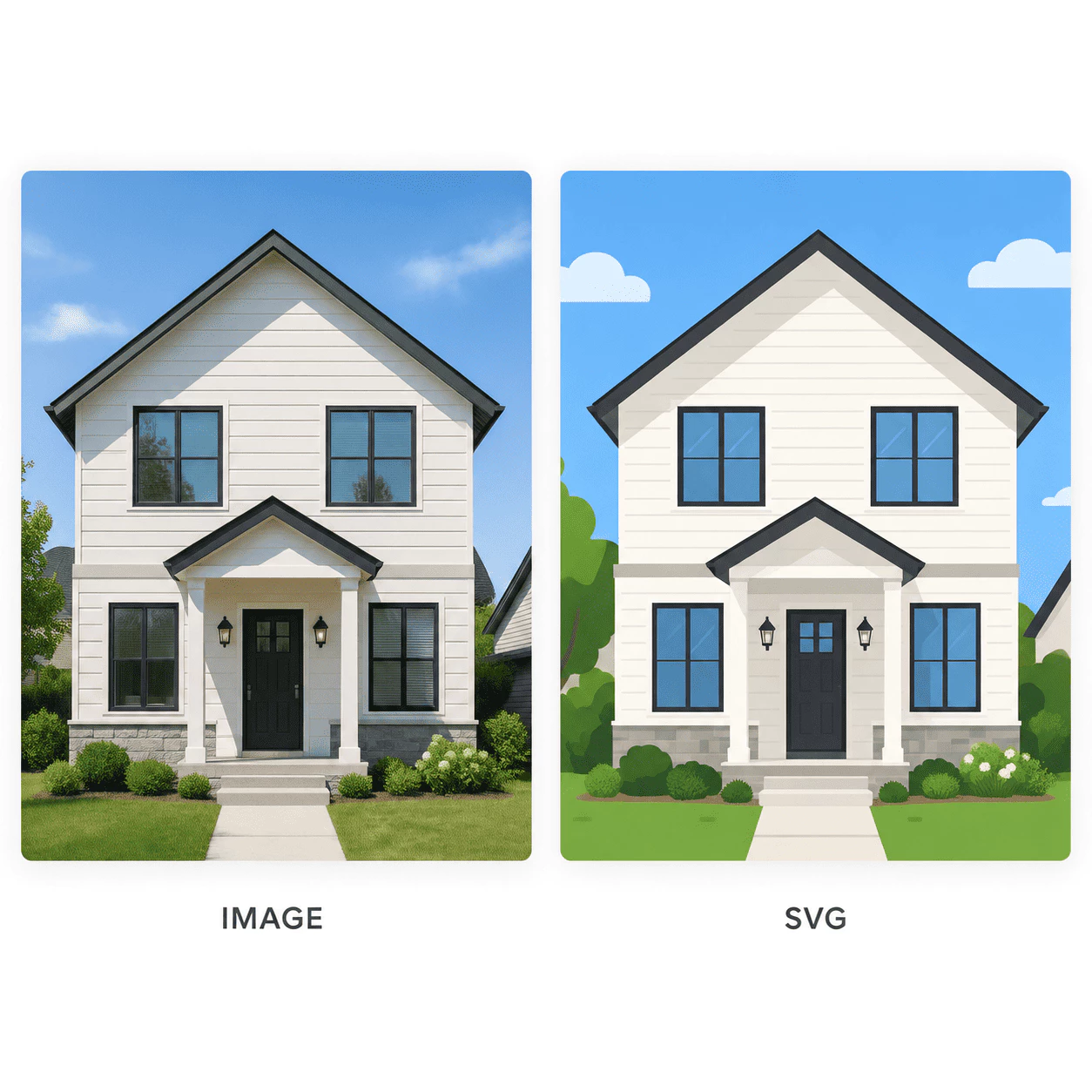
- Photos to vectors:Turn a photo into a cool vector illustration with Image To SVG, featuring distinct color areas.
- Fix compressed JPGs:Our Image To SVG AI smooths out messy edges from compressed JPG files to create clean vectors.
- Embroidery digitizing:Vectorize logos with clean color regions that work perfectly for embroidery software.
Key features of Image To SVG
Discover why our Image To SVG AI vectorizer is the best way to convert your images into clean, editable vector graphics quickly:
Smart AI Vectorization
We use advanced AI to understand shapes and edges, creating clean Bezier curves instead of jagged pixel traces.
Full Color Preservation
Keep the exact look of your original image. The Image To SVG AI maps color areas perfectly to create beautiful multi-color SVG fills.
Editable Output
You receive a structured SVG file that is ready to be opened and edited in Illustrator, Figma, or any vector tool.
Fast Conversion
You do not have to wait long. Our Image To SVG tool processes your image and creates the vector file quickly.
Automatic Format Detection
Just upload your file. The system automatically detects PNG, JPG, or WEBP formats without extra settings.
Easy Online Access
It works directly in your web browser. There is no need to download or install any heavy software to start converting.
How to convert an image to SVG
Anyone can easily turn a picture into a vector file with Image To SVG. It only takes three simple steps to get your scalable SVG ready for use.
Upload your image
Simply drag and drop or click to upload your image file to Image To SVG. We support PNG, JPG, and WEBP formats.
AI vectorizes your image
Our Image To SVG AI analyzes the shapes and colors in your image and instantly converts them into clean, editable vector paths.
Download your SVG
Your scalable vector file is ready! You can download it immediately from Image To SVG and use it in any design tool or print workflow.
Who uses Image To SVG
See how designers, business owners, and creators use our Image To SVG AI vectorizer to get clean, scalable graphics instantly.
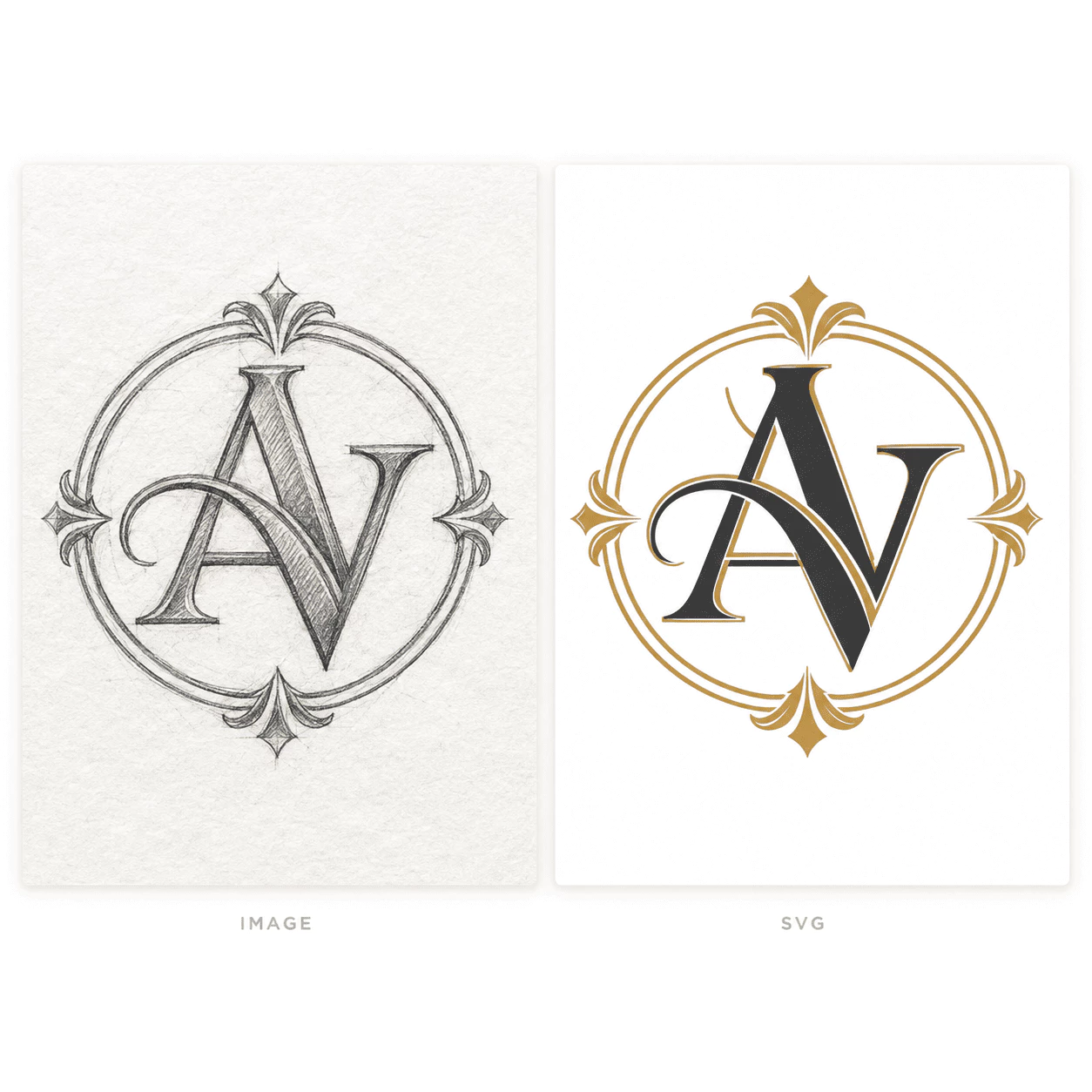
Get clean vectors instantly
Stop wasting time on manual tracing. Our AI converter helps you turn drawings and logos into perfect vector files effortlessly.
- Ideal for converting logos for business cards and large banners.
- Perfect for turning digital art into editable Illustrator files.
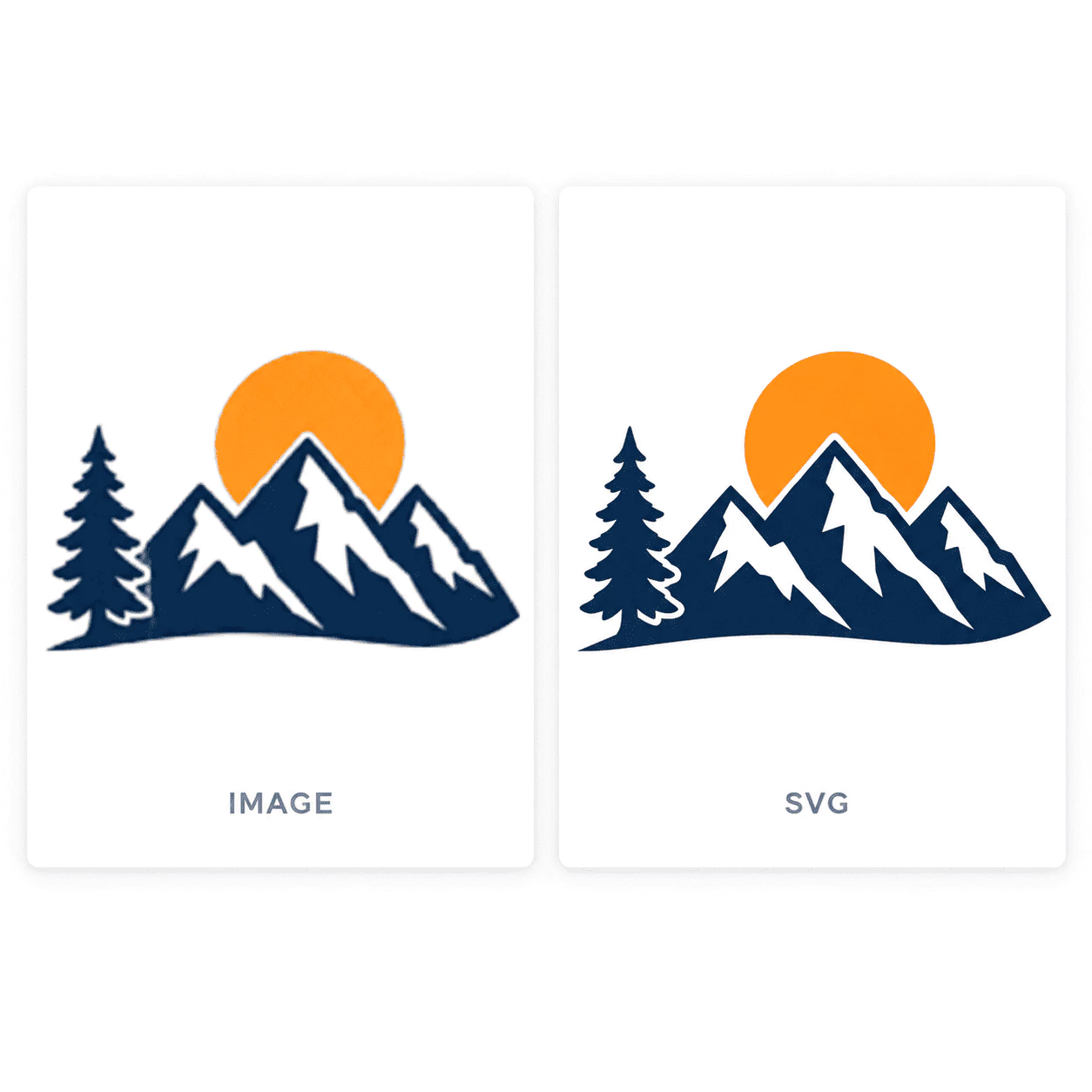
Accurate paths for any machine
Prepare your designs for physical products. Our tool creates the exact vector paths needed for cutting machines and printing.
- Creates clean outlines for Cricut and Silhouette cutting machines.
- Generates crisp vectors for T-shirt printing without pixelation.
Why choose Image To SVG
Our Image To SVG AI vectorizer stands out by providing professional-quality results quickly, making it the perfect tool for your design needs.
Try nowEditable output
Clean vector paths
Our Image To SVG AI creates smooth Bezier curves with fewer anchor points. You can easily edit the shapes in Illustrator or Figma.
All major types
Supported formats
It automatically detects and converts PNG, JPG, and WEBP files without any extra settings using Image To SVG.
Fast
Processing speed
You do not have to wait long. Your image will be vectorized and ready to download in no time.
100% Online
Easy to use
Everything works directly in your browser. No app download or installation is needed to get your SVG file with Image To SVG.
What users say about Image To SVG
Discover how designers, business owners, and creators use our AI vectorizer to get clean, scalable graphics easily.
This tool is amazing for my work. I upload a logo and quickly get a clean SVG file that I can edit directly in Illustrator.
It helps me so much with my merchandise. I can vectorize my designs and print them on T-shirts without any pixelation.
It is incredible how it converts my drawings into vectors without losing the original colors or creating messy anchor points.
I use it to prepare images for my Cricut machine. It is very fast and gives me the exact clean paths I need for cutting.
Creating scalable icons is now very easy. I love that it detects the image format automatically without extra effort from me.
I no longer struggle with blurry images. I just upload a picture and the tool turns it into a high-quality vector almost instantly.
Frequently asked questions about Image To SVG
Get answers about our AI vectorizer. If you have another question about converting images to SVG, we are here to help.